Planning
Plan a Home Office That Gives the Room Back
Measure each mode, set a realistic reset and choose equipment that lets a shared room change jobs.
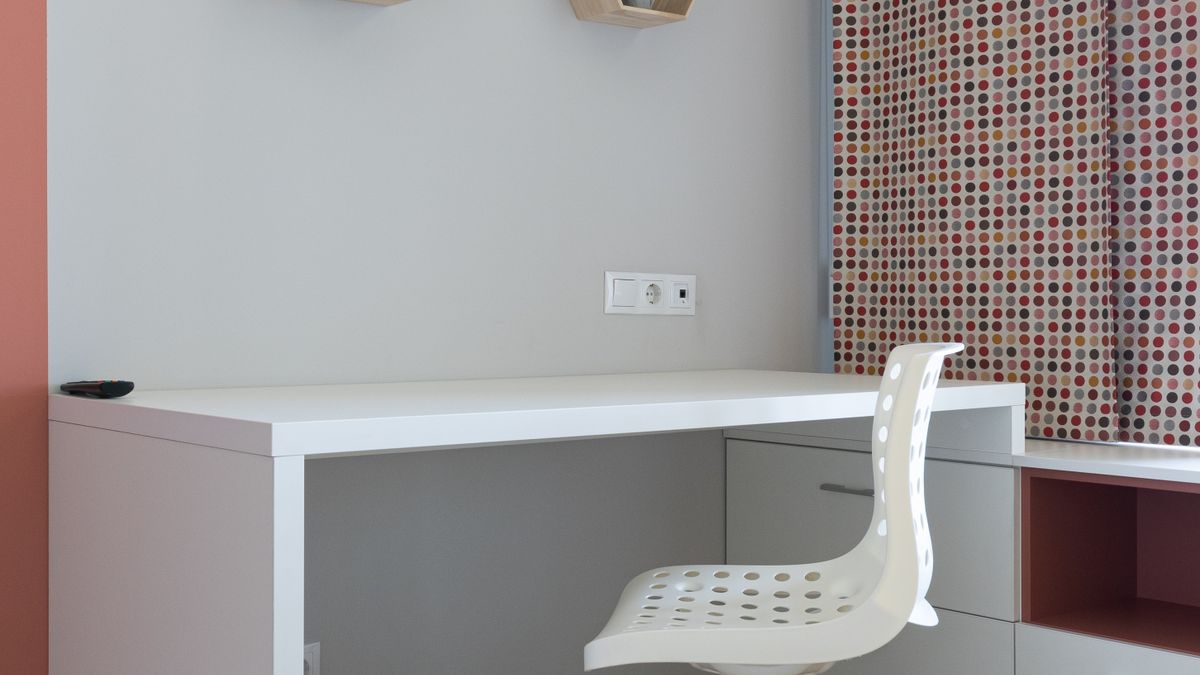
The best test for a shared home office happens at the end of the workday. Set a timer and put the room back into the state you need for dinner, family time or sleep. Count the awkward things, such as finding somewhere safe for a microphone or stepping around the chair to unplug a difficult cable. If the transition feels unrealistic on one afternoon, it will be worse on the day a call runs long and you have ten minutes to get the room ready.
Plan the work mode and the other mode as two complete arrangements. Set a usable desk position, keep controls and cables accessible, and give each object a place close to where you use it. Select a reset with fewer irreducible steps. A room does not need to look like a television set while you work. The realistic goal is a useful work surface that stops dictating the movement and appearance of the room after hours.
Decide which kind of work really happens here
Write down a morning's work rather than guessing in terms of generic office furniture. Distinguish calls from reading, paper sorting, electronics work and anything that needs more than one screen. List what must stay connected and what moves. A person who consults books regularly may value a narrow additional surface more than deep file storage. People who use external displays every day may want the screen to remain set up with an agreed place in the room.
Include the schedule of people around you. A quiet desk in a living room may stop being quiet when someone returns halfway through a call. Think about confidential conversations, background noise and the direction in which the camera points. A curtain or shelving screen can interrupt a view, while ordinary fabric and furniture cannot make a shared open room acoustically private. If the task needs privacy or quiet on a regular schedule, identify a defensible location or another arrangement first.
Find a place you can work comfortably for a meaningful block of time. Desk and chair fit, stability, a suitable display position and the user's needs matter more than whether the desk can disappear. Test the real setup for a while instead of sitting in it for a minute. A slim table is less helpful once a stand, keyboard, notebook and your forearms need to occupy it at once. If more than one person works there, check whether the setup can adapt without complicated adjustments.
Draw the two modes as complete plans
Begin with the room's other role. If it is a dining room, put an occupied dining chair behind the table and test the route people take while clearing it. In a living room, draw the position of the main seat and any routes to windows and doors. Mark the pieces that cannot be moved easily. Anything else is a candidate for change while you plan the work mode.
On a second drawing, show your chair at its working position and pulled back for standing. Mark the location of the usable outlet and the full length of any cord from desk to wall. On a sheet of paper roughly the device's size, model the footprint of the screen and stand. Check that the screen arm, if contemplated, can be supported by the desk and adjusted without striking a wall or shelf. Make sure the floor in front of the desk remains accessible while all equipment is attached.
An obvious reset may be to slide a chair back into the desk, but the gap under the desk needs to accommodate any arms and the chair base. A desk with a crossbar can make this harder. If the chair needs to go elsewhere, account for its other location exactly. A bulky chair beside the window influences the shape of the evening room while it waits in its parking spot.
Decide what stays attached and what goes away
An open work area can become tidy if a few things have designated permanent places. For example, leave a monitor on a stable desk at the wall and keep a single collection of smaller peripherals in a drawer. At the end of a day, you disconnect the one portable item and the surface is usable. What helps is reducing the number of objects for which you make an individual decision. If your work device permits a docking arrangement, check compatibility before buying it and keep connections ventilated and reachable.
A fold-down surface can be appropriate for a light, compact setup. Its open depth may still fill much of the room, and anything physically attached to a wall needs appropriate fixing and permission where relevant. Check the surface's stability and approved load, including the equipment and ordinary leaning and use. Ask whether there is enough depth to leave a document or pencil in place when the panel closes. If there is none, the storage next to the desk becomes a necessary part of the reset.
A straightforward freestanding desk is easier to change when your work changes. An older room with a beautiful window can handle a freestanding desk beside a low cabinet if the combined depth and movement fit. The wall behind can remain largely clear, and the cabinet can store work items outside work hours. Label one drawer for things you need at the start of the next morning and use its interior divisions to prevent cables and adapters from spreading.
Test the window and the camera
Light has to serve your eyes, your working surface and occasionally your image on a call. Set the chair in place in the morning and again at the hour of the latest regular meeting. A window immediately behind the display can create a large brightness difference. A window behind the chair may appear in a glossy display and leave your face in shadow to a camera. A window to the side often gives you more control. Shades or a relocated screen can help when there is only one feasible position.
Open the video preview and inspect more than your face. Check what appears behind you when a door opens, who passes through the field and whether a strongly lit window pulls attention away. Move a lamp into a position that gives broad light to the face while avoiding a reflection in the screen. There is no need to buy a fixture marketed for video when a shaded lamp works. Test it on a day with poor daylight. Clear walking routes and avoid running cords under rugs or in positions where they may be damaged.
Read a piece of paper on the surface to see if you are blocking your own light. Imagine the camera and the reading lamp operating together in the evening. A small source positioned well can do reading and contribute to the video view. Lamps used only during work should be easy to switch off or remove when the room returns to its other role. Decide if the secondary use deserves a separate light with a different position or intensity.
A worked example for a dining room
Suppose two people usually dine at a four-seat table and one works there three days a week. Long calls happen before dinner and it is important to use a large display. Putting all the work equipment on the dining table gives the best depth at first. At night the display needs to go somewhere and the cords need to leave the table. Adding a narrow side station wide enough to support a display can reduce the reset to moving the laptop and clearing its accessories. Draw the space behind the chair in both positions before choosing that option.
If the side station is too shallow to work at comfortably, try putting the display near one end of the table and orient it away from the normal seating side. Give it a planned place if dinner guests need that end of the table. A portable mount with a safe rated base could make it easier to move, but only use hardware according to its purpose and instructions. In a room without safe power at the table, changing the desk location may be the simplest improvement.
Now test the two versions on real workdays. Track set-up effort, interruption by other people and the time needed to return to dinner. The numbers do not need to be precise. They reveal whether a solution was uncomfortable all day or merely involved a slightly slower start. Ask everyone using the room which obstruction they noticed during other activities. A work arrangement that complicates dinner for three people can need another look even if it works perfectly for one.
Buy for the proven arrangement
After one or two trials, record the chair and station dimensions, where the equipment remains, the planned light and the particular devices that need safe power. Select any storage by what it will hold, including the clearance required to close a lid or open a drawer. Keep a provisional location for one new item so the office will tolerate a shift in workload. Use the finish or shape to match surrounding furniture once the measurements and transitions have settled.
Finish with an ordinary evening reset and see whether any work object remains in the way. If the object always stays out, decide whether it needs a better location, can remain part of the room or should move to somewhere with a more appropriate surface. The purpose of the shared room is to let people use both halves without continuous negotiation. It is a success if you can sit at a comfortable desk in the afternoon and get to your usual place at the table that evening.